When I set up my new iPhone 17 Pro I ran into a frustrating problem: I couldn’t activate some of my credit and banking cards in Apple Wallet. Since this might happen to others, here’s how I diagnosed the issue and worked around it.
Setup Context
Transferred settings (including Apple Wallet) from my iPhone 14 Pro
Cards from CIBC and Wealthsimple
Used SMS (not voice) as the second factor for verification
The Problem
After transfer, my cards appeared in Apple Wallet but still needed to be re-verified. Each time I tried SMS verification, the text code arrived and auto-filled into the Wallet app — but the “Next” button was greyed out.
On some attempts, the button turned blue, but tapping it did nothing. Result: I couldn’t verify or use my cards.
The Workaround
The fix was surprisingly simple: don’t rely on auto-fill.
Request the SMS code as usual.
Open the Messages app, copy the code manually, and paste it into Wallet.
This time the “Next” button turned blue and worked, letting me add the cards.
Likely Cause
Based on testing, there may be a bug in iOS 26.0 where auto-filled SMS codes don’t properly trigger the Apple Wallet verification step. Until Apple fixes it, copying the code manually may help you get around the issue.
Apple has quietly introduced an enhanced security feature in iOS 18.1. If you haven’t authenticated to your device recently — the past few days — the device will automatically revert from the After First Unlock (AFU) state to the Before First Unlock (BFU) state, with the effect of better protecting user information.1
Users may experience this new functionality by sometimes needing to enter their credentials prior to unlocking their device if they haven’t used it recently. The effect is that stolen or lost devices will be returned to a higher state of security and impede unauthorized parties from gaining access to the data that users have stored on their devices.
There is a secondary effect, however, insofar as these protections in iOS 18.1 may impede some mobile device forensics practices when automatically returning seized devices to a higher state of security (i.e., BFU) after a few days. This can reduce the volume of user information that is available to state agencies or other parties with the resources to forensically analyze devices.
While this activity may raise concerns that lawful government investigations may be impaired it is worth recalling that Apple is responsible for protecting devices from around the world. Numerous governments, commercial organizations, and criminal groups are amongst those using mobile device forensics practices, and iOS devices in the hands of a Canadian university student are functionally same as iOS devices used by fortune 50 executives. The result is that all users receive an equivalent high level of security, and all data is strongly safeguarded regardless of a user’s economic, political, or socio-cultural situation.
One of the best things about the iPhone is that each photo that you take automatically can be geolocated. I really appreciate this because I can quickly ‘zoom into’ different parts of the world and see the images I took in that place.
However, I take very few iPhone photos these days. For the past several years almost all of my images were made on either a Fuji X100F, Leica Q2, or a Ricoh GR or GRIIIx. None of these cameras have GPS modules. The result is that they do not natively add geolocation, or GPS, information into images metadata.
Fuji and Leica do have apps that you can use to add GPS information to photos taken with their respective cameras. However, actually setting them up takes a number of steps. Moreover, it requires you to have — and open — applications associated with the camera I’m using at any given time.
Instead of using manufacturer-specific applications I have purchased lifetime licences for Geotags Photos Pro 2 and Geotag Photos Tagger.1 In Canada, the Geotags Photos Pro 2 was just $15 and Geotags Photo Tagger is $12. While not free, the I use the applications each week and I’m well below $1/use at this point, and all of my photos for over the past year are accurately tagged.
Using the applications, and adding the metadata, is very easy. Once you ensure that you’ve set the timezones up correctly between your camera and the application….you’re finished. All you need to do is activate Geotags Photos Pro 2 ahead of going out for a photowalk (I tend to have it collect the GPS information every 5 minutes) and, after the photowalk, I put all my images into Apple Photos and then open Geotags Photos Tagger to apply the GPS information to all the images I’ve taken.
That’s it: once you’ve done this you’re done.
As a street photographer I’m most interested in posting photos with names that include the cross-streets of where an image was taken. So having GPS information is helpful for this purpose. But when I’ve been out for hikes it also does a good job locating different photographs that I’ve made — so long as my phone can get geolocation information I can then add the data to my mirror less camera images.
In conclusion: If you’re looking for a pretty easy, and affordable, way of adding GPS data to your images I can’t recommend these two applications enough!
These applications are available for both iOS and Android. ↩︎
A couple years ago I posted what I wanted for WWDC 2022. I figured that I’d go through the past list and cross off the items that have arrived over the past two major updates to iOS.
And then I’m going to sketch out how I’d like to see Apple actually adopt more AI/ML into their operating systems.
Photos
This was a low point in iOS and remains so. I really want Apple to improve the Photos application given how regularly I use it.
The ability to search photos by different cameras and/or focal lengths
The ability to select a point on a photo to set the white point for exposure balancing when editing photos
Better/faster sync across devices
Enable ability to edit geolocation
Enable tags in photos
All of these are basically just aiming to have the iOS Photos app getting brought up to the same standards as Photos on MacOS.
Camera
There is so much potential that’s in the Camera application. I look at this from the perspective of a photographer, while recognizing that Apple has done a lot to really improve the state of things for videographers.
Set burst mode to activate by holding the shutter button; this was how things used to be and I want the option to go back to the way things were!
Advanced metering modes, such as the ability to set center, multi-zone, spot, and expose for highlights!
Set and forget auto-focus points in the frame; not focus lock, but focus zones
Zone focusing
Working (virtual) spirit level!
Maps
I actually like Maps. I use it a lot. But I definitely want things to be much more collaborative and less focused on Yelp data. I really do like the privacy aspects associated with Maps over some competing applications.1
Ability to collaborate on a guide
Option to select who’s restaurant data is running underneath the app (I never will install Yelp which is the current app linked in Maps)
Music
Music is fine on the whole. Still want to have something like multiple libraries, though.
Ability to collaborate on a playlist
Have multiple libraries: I want one ‘primary’ or ‘all albums’ and others with selected albums. I do not want to just make playlists
Reminders
While it’s getting better there’s still some things to do, though apparently the second item may be coming this WWDC which would be pretty great.
Speed up sync across shared reminders; this matters for things like shared grocery shopping!
Integrate reminders’ date/time in calendar, as well as with whom reminders are shared
Messages
These are both covered off!
Emoji reactions
Integration with Giphy!
News
I’ll be honest: I’ve given up on the RSS feed idea and just rely on Reeder. But I use News a lot and so it’d be nice to more fully block publications from coming up.
When I block a publication actually block it instead of giving me the option to see stories from publications I’ve blocked
It’d be great to see News updated so I can add my own RSS feeds
Fitness
The number one issue with Fitness is that I can’t log rest days. I’ve actually started to use Streaks to be more forgiving and stopped worrying so much about maintaining my streaks in Fitness. But it’s absurd that Apple hasn’t integrated this feature that’s widely requested by its user base.
Need ability to have off days; when sick or travelling or something it can be impossible to maintain streaks which is incredibly frustrating if you regularly live a semi-active life
Health
This still isn’t great. There is no good year over year data that you can compare against. I don’t understand why the UI isn’t better and I hope that it gets better soon.
Show long-term data (e.g. year vs year vs year) in a user friendly way; currently this requires third-party apps and should be default and native
And one more thing…
There is a lot of time and attention being paid to how Apple will show off artificial intelligence functionality in forthcoming operating systems. I tend to agree with Joe Rosensteel about what Apple shouldn’t do: no spying AI systems and instead a focus on useful AI-enabled functionalities.
For Photos I want to propose a pretty useful option for people that would leverage some existing iPhone capabilities. Imagine if you could take a photo (or use the measurement application built into Apple’s mobile OSes) to determine how large a photo would fit in a frame along with the aspect ratio and, then, prompted you to select photos for the frame. That selection could either automatically select just photos of the right aspect range or could show what an AI-determined best aspect ratio crop would look like.
If something like this were bundled up in a kickass UI I can see this being phenomenally helpful and solving a real world annoyance for anyone who wants to print photos.
We create far too many digital photos and print far too few. Physical photos are part of building longterm and vibrant memories: Apple should lean into enabling its customers to make these kinds of mementos.
Rather than requesting a route from A to B, Apple Maps sends off multiple requests with multiple identifiers that masks where you’re trying to go. The app also converts your precise location to a less-exact one after 24 hours, and Apple itself doesn’t store any information about where you’ve been or what you’ve been searching for. Plus none of the information that reaches an external server is associated with your Apple ID. Source: https://www.tomsguide.com/news/google-maps-vs-apple-maps↩︎
Apple’s Word Wide Developer Conference starts tomorrow and we can all expect a bunch of updates to Apple’s operating systems and, if we’re lucky, some new hardware. In no particular order, here are some things I want updated in iOS applications and, ideally, that developers could hook into as well.
Photos
The ability to search photos by different cameras and/or focal lengths
The ability to select a point on a photo to set the white point for exposure balancing when editing photos
Better/faster sync across devices
Enable ability to edit geolocation
Enable tags in photos
Camera
Working (virtual) spirit level!
Set burst mode to activate by holding the shutter button; this was how things used to be and I want the option to go back to the way things were!
Advanced metering modes, such as the ability to set center, multi-zone, spot, and expose for highlights!
Set and forget auto-focus points in the frame; not focus lock, but focus zones
Zone focusing
Maps
Ability to collaborate on a guide
Option to select who’s restaurant data is running underneath the app (I never will install Yelp which is the current app linked in Maps)
Music
Ability to collaborate on a playlist
Have multiple libraries: I want one ‘primary’ or ‘all albums’ and others with selected albums. I do not want to just make playlists
Reminders
Speed up sync across shared reminders; this matters for things like shared grocery shopping! 1
Integrate reminders’ date/time in calendar, as well as with whom reminders are shared
Messages
Emoji reactions
Integration with Giphy!
News
When I block a publication actually block it instead of giving me the option to see stories from publications I’ve blocked
It’d be great to see News updated so I can add my own RSS feeds
Fitness
Need ability to have off days; when sick or travelling or something it can be impossible to maintain streaks which is incredibly frustrating if you regularly live a semi-active life
Health
Show long-term data (e.g. year vs year vs year) in a user friendly way; currently this requires third-party apps and should be default and native
Of course, I’d also love to see Apple announce a new MacBook Air. I need a new laptop but don’t want to get one that’s about to be deprecated and just don’t need the power of the MacBook Pro line. Here’s hoping Apple makes this announcement next week!
In general I want iCloud to sync things a hella lot faster! ↩︎
Like most photographers I edit my images with the brightness on my screen set to its maximum. Outside of specialized activities, however, I and others don’t tend to set the brightness this high so as to conserve battery power.
The result is that when we, as photographers, as well as members of the viewing public tend to look images on photography platforms we often aren’t seeing them as their creator(s) envisioned. The images are, quite starkly, darker on our screens than on those of the photographers who made them.1
For the past few months whenever I’ve opened Glass or looked at photos on other platforms I’m made an effort to ensure that I’ve maximized the brightness on my devices as I’ve opened the app. This said, I still forget sometimes and only realize halfway through a viewing session. So I went about ensuring this ‘mistake’ didn’t happen any more by creating a Shortcut called ‘Glass Time’!
The Shortcut is pretty simple: when I run it, it maximizes the brightness of my iOS device and opens the Glass app. If you download the Shortcut it’s pretty easy to modify it to instead open a different application (e.g., Instagram, 500px, Flickr, etc). It’s definitely improved my experiences using the app and helped me to better appreciate the images that are shared by individuals on the platform.
Of course there are also issues associated with different devices having variable maximum brightness and colour profiles. These kinds of differences are largely intractable in the current technical milieu. ↩︎
I helped set up some Meross smartplugs that were being used to automate home functions. What follows is how I was ultimately able to connect them to an Eero 6 Pro router.
The Problem
When opening the Home application on an iPhone or iPad, and scanning the QR code that was on the smartplug, I received errors that the process could not be completed. I tried resetting the phone, letting the Apple iOS devices linger for up to 5 minutes to complete the connection, and resetting the home hub to see if that would help. In no case were these measures successful.
The Solution
I connected the smartplugs to the Eero 6 Pro network (and Apple Home app) by modifying some of the router’s settings as well as not using the QR code to set up the device.
Specifically I:
Opened the Eero app and temporarily disabled the 5Ghz radio and turned off the WPA3 experimental feature.
Activated airplane mode on the iOS device I was using to connect the Meross plugs to the Home app.
Performed a hard reset on the Meross plugs (this involved holding the power button for 15 seconds. I heard a ‘click’ sound when it reset). I checked to ensure that that the LEDs were blinking between amber and green colours.
Reconnected the iOS device to the Eero 6 Pro router. This ensured that it would establish a 2.4Ghz connection.
Opened the Home app on the iOS device. I then selected ‘Add Accessory’ and, then, the ‘More options…’ link.
In the new options, I saw one that read as a smart plug, and another that had Meross in its name. I choose the one with Meross and then entered in the 8 digit code above the QR code on the smartplug when prompted. I did not connect using the QR code/camera.
The Meross smartplug subsequently connected to the network. As a note, I had to wait up to 30 seconds before it finished its setup.
Meross Smartplug Firmware Update
With the Meross smartplugs connected to the network I updated their firmware. To do so, I:
Downloaded the Meross app and create an account.
Linked the plugs to the account by tapping the ‘ ’ icon in the Home panel in the Meross app, granted the application permission to scan your local network, and then added the switches.
Once they were added, I navigated to the ‘Account’ panel and selected ‘Firmware update’ under ‘System’. I then followed the on-screen instructions to update the plugs.
By the conclusion of this I managed to join the Meross smartplugs to the Eero 6 Pro network, as well as updated their firmware. Hope that this helps to solve any problems you’re encountering with them!
I’m liking the incremental update to the Photos application on iOS and iPadOS in the newest release of the operating systems. The ability to easily add titles to my photos and also access the EXIF metadata helps to maintain a (slightly) more organized photo library. Access to this information also makes it easier to share out photos straight from the Photos app, since I can copy the title of an image as part of sharing it.
However, I’m still missing the ability to create Smart Folders. Specifically I want to be able to have folders that are accessible, on iOS devices, and which sort based on the camera that took a given set of images. It’s been in MacOS for a very, very long time and it’s nuts that this kind of feature parity hasn’t been reached between operating systems.
I haven’t seen evidence that the newest version of iOS has fixed the green flare issue (which I first encountered when reviewing my iPhone 11 Pro). I know it was in an earlier beta but haven’t yet seen it implemented in a production release.
Welcome to this edition of The Roundup! Enjoy the collection of interesting, informative, and entertaining links. Brew a fresh cup of coffee or grab yourself a drink, find a comfortable place, and relax.
So Apple has announced all the big changes forthcoming in iOS 13. While lots are great and exciting, the update still won’t bring baseline feature parity between MacOS and iOS core applications. The result is that serious users of consumer MacOS applications can’t fully transition to iOS or iPadOS. What’re just two baseline things that are missing, from my self-interested perspective?
1. Smart lists in Apple Music & Apple Photos
I get that smart lists may not be everyone’s deal, but self updating lists are pretty important in how I manage and organize data. To give an example, I use smart lists in Photos to determine what camera I used to take which photo. Does this matter for lots of people? Probably not, now that smartphones have colonized the photography business. But for someone like me who wants to know such metadata, the absence of it is noticeable.
2. Detailed information about photographs in Apple Photos
I don’t know why, it you can’t check aperture, shutter speeds ISO, or other basic camera features in Apple Photos, in iOS 12 or 13. Nor can you create a title for a photograph. Again, as someone who takes tens of thousands of photos a year, and reviews them all to select a rarified thousand or two ‘keepers’ each year and titles many of those kept, I really want to record titles.1 And it drives me nuts that I can’t.
I get that there are a lot of pretty amazing things coming in iOS 13. But can’t these pretty table-stakes things come along? These aren’t ‘Pro’ features: there’re the baseline features that have been available on consumer apps in MacOS for years. You shouldn’t need to own and use a Mac to enjoy these capabilities.
Inspiring Quotation
“Society is not some grand abstraction, my friends. It’s just us. It’s the words we use, which are the thoughts we have, which determine the actions we take.”
– Umair Haque
Great Photography Shots
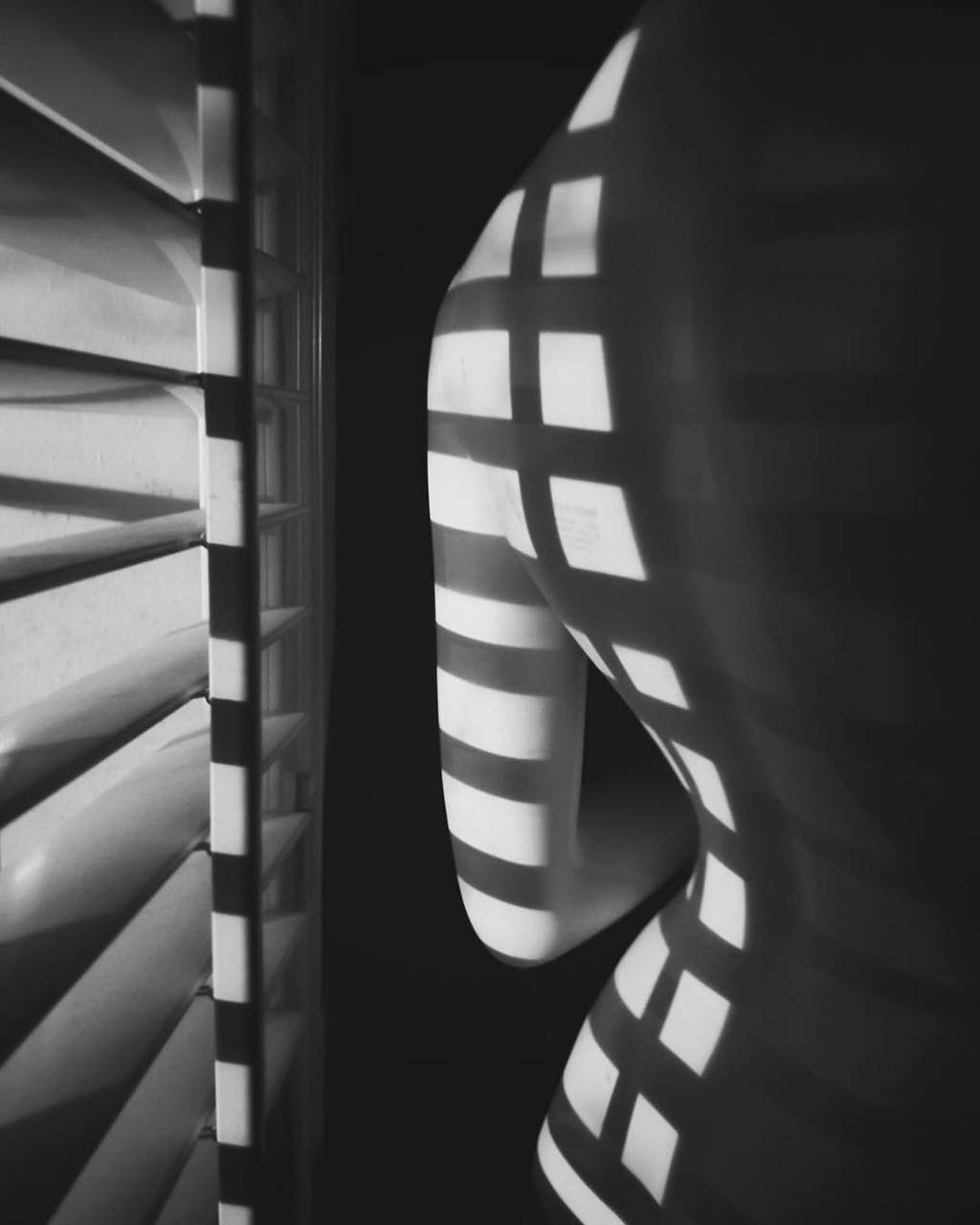
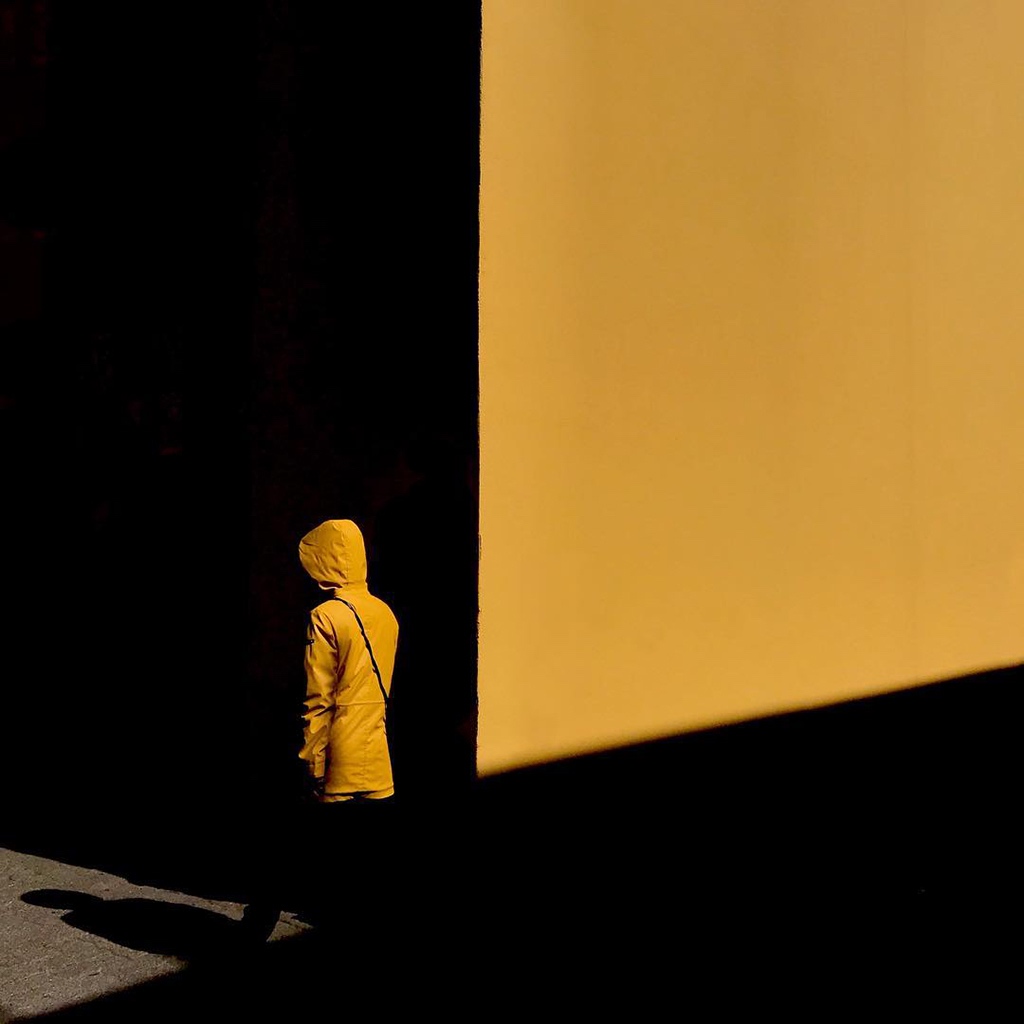
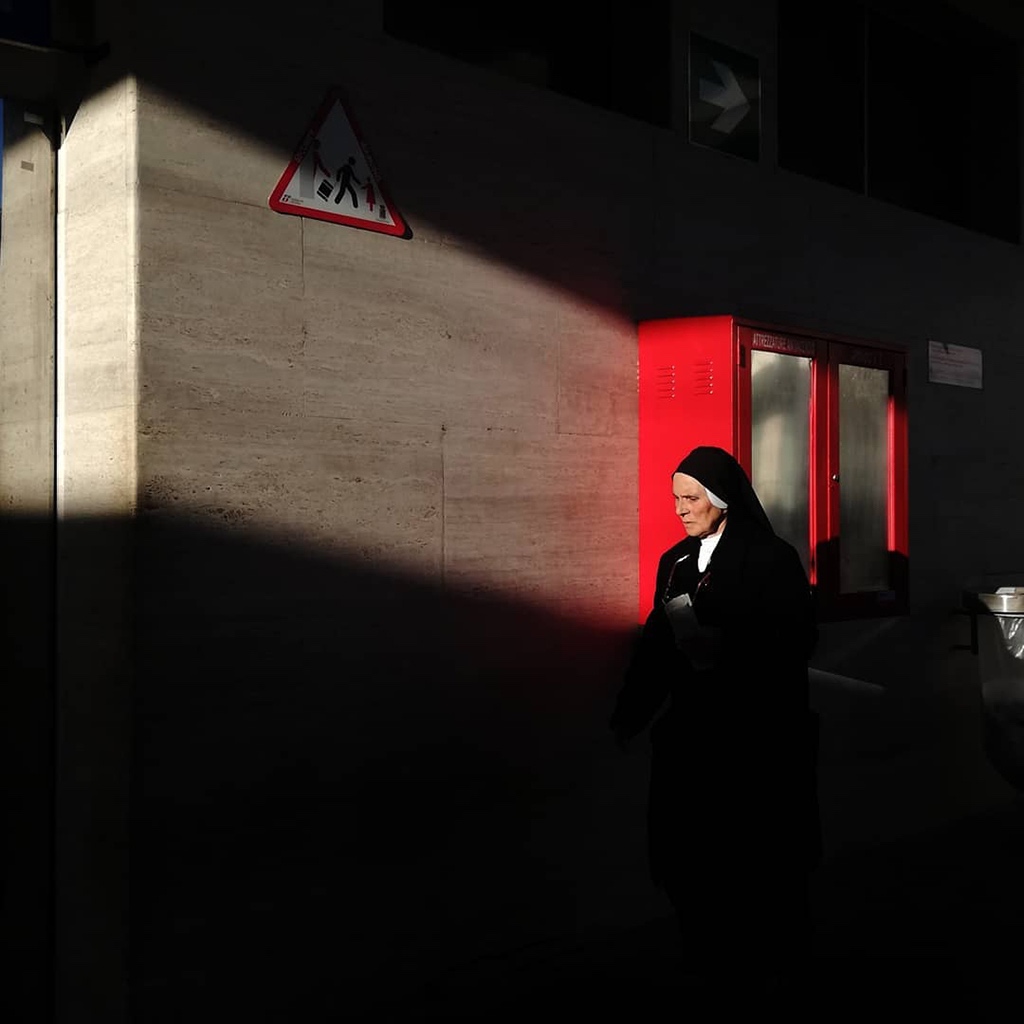
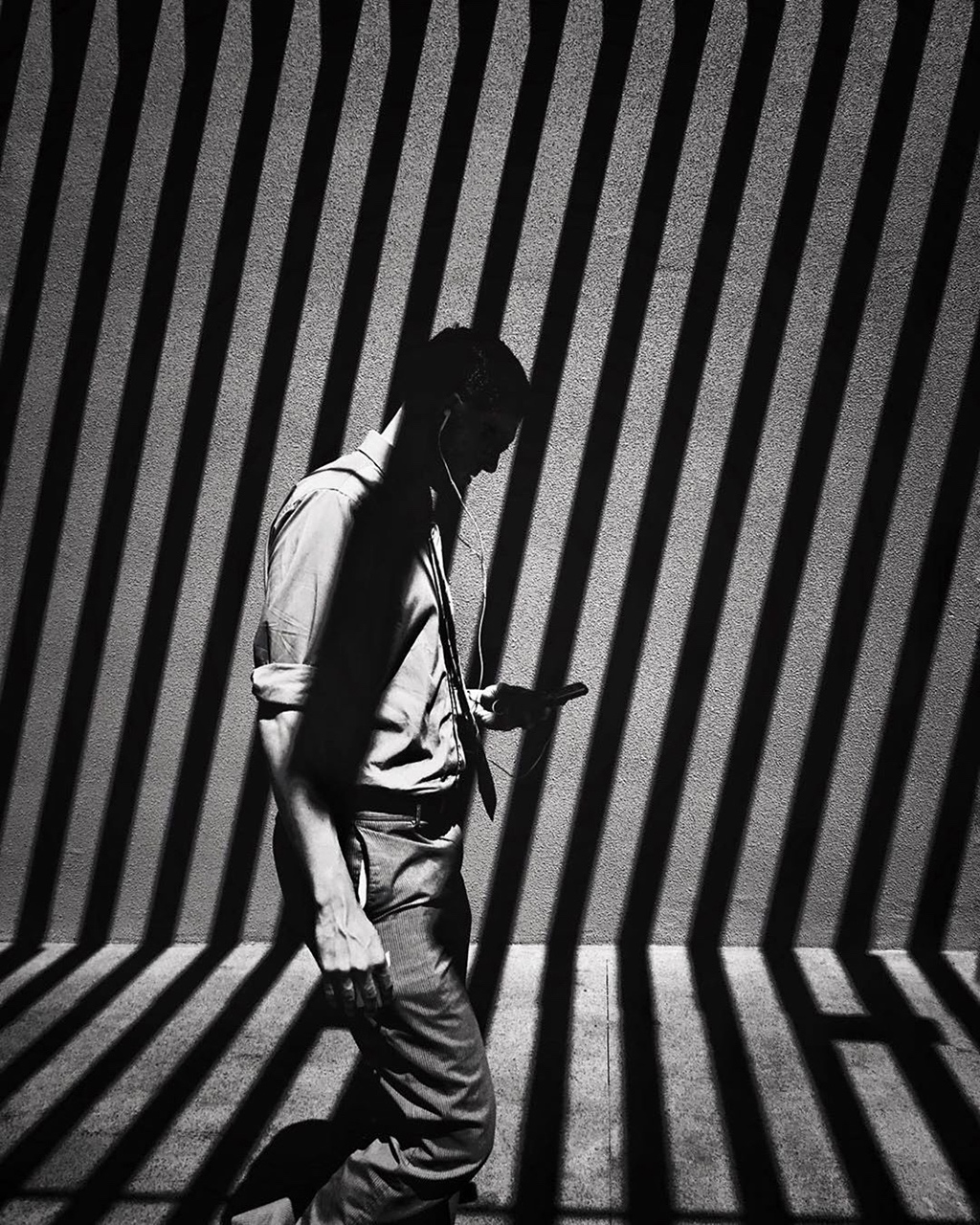
I really appreciate some of the great shadows that come out in these shots over at Mobiography.
Having figured out the problem of songs not being added to my ‘Songs I Love’ lists, my monthly lists are going to be a lot more expansive than those in the past. My May 2019 list clocks in at around 5 ½ hours, with a mix of hip-hop, rap, pop, and a bit of alternative and rock.
Neat Podcast Episodes
Lawfare – Avril Haines, Eric Rosenbach, and David Sanger on U.S. Offensive Cyber Operations // This is an insightful, and nuanced, consideration of the equities which are taken into account when the United States engages in different classes of cyber operations. While the title of the podcast is focused on offensive cyber activities, the same logics can clearly be applied to defensive activities such as those linked with vulnerabilities equities processes or development of activities intended to mitigate harms emitted from foreign adversaries.
Lawfare – Jim Scuitto on ‘The Shadow War’ // While Scuitto doesn’t necessarily talk about anything excitingly novel in the summary of his book, he does an absolutely terrific job in summarizing the high-level threats to American (and, by extension, Canadian and Western) national security. From submarine threats, to space threats, to cyber, the threat landscape is remarkably different today as compared to twenty years ago. In terms of responses or solutions, key to the American approach is reconsidering and re-engineering the responses to aggressive actions. Clearly American responses have failed to dissuade actors such as Russia and China in certain spheres, such as aggressive military engagement and cyber espionage and propaganda, and so more directed cyber-based activities meant to expose the corruption of foreign leaders might represent the next logical step for the U.S. military establishment.
Good Reads
When the Hard Rains Fall // Welsh has done a terrific job in both outlining the policy and financial and scientific causes that lead to serious, and dangerous, flooding in Toronto while marrying it with superb storytelling. Not only does the article provide a huge amount of information in an impeccably understandable format, but the graphics that accompany the piece in certain sections are almost certain to elicit an emotional reaction. Stories like this demonstrate why it’s important to pay for investigative reporting, while also showcasing how contemporary technologies can improve narratives for clarity and impact.
‘Botanical Sexism’ Could Be Behind Your Seasonal Allergies // In an ironic turn, when trees were routinely planted in urban environments in the 1960s, males of the various species were chosen on the basis that they wouldn’t promote litter by dropping seeds. However, these trees expel significant amounts of pollen which has had the effect of creating ‘pollenpocalypse’ events that both severely aggravate seasonal allergies and leave vast swathes of pollen coating the city.
Female Spies and Their Secrets // As in so many fields, women’s contributions to the intelligence and security services were largely erased from history as men replaced them. However, newly recovered and disclosed histories are showcasing the role(s) that women played throughout the second world war to lead underground resistances and otherwise facilitate Allied intelligence efforts.
Your threat model is wrong // Robert Graham’s abrasive and direct writing is refreshing, especially when he writes about phishing: “Yes, it’s amazing how easily stupid employees are tricked by the most obvious of phishing messages, and you want to point and laugh at them. But frankly, you want the idiot employees doing this. The more obvious phishing attempts are the least harmful and a good test of the rest of your security — which should be based on the assumption that users will frequently fall for phishing.”
After the Retail Apocalypse, Prepare for the Property Tax Meltdown // In the United States, some big box stores are attempting to (and succeeding in) reduce their property tax bills by arguing their stores should be valued at millions of dollars less than their current valuation. The result is that small towns, many of which invested in significant infrastructure projects to lure these stores, are at risk of having to reduce their services or defer additional investments that are less-focused on the company in question. Activities like this, combined with the general massive reduction in corporate taxes following the US government’s taxation changes under President Trump, threaten the very ability of small and large towns and cities to invest in infrastructure for the betterment of their residents.
The Secret to This Brazilian Coffee? Ants Harvest the Beans // In another instance of how weird and amazing the ecosystems of the earth are, ants that have inhabited an organic coffee farm in Brasil are affecting the taste of the beans in the process of removing the fruit around the beans to feed to their young. Apparently, this has effects on the acidity and taste of certain stronefruits, while also showcasing the interdependence of organic beings in the same ecosystem.
How To Make A Relationship Last // The guidance in this piece spoke to me, and reflect how I personally view long- term relationships and choice. Cage nicely summarizes that challenges of continuously choosing to stay in love, and in doing so provides a good set of instructions for others to follow and innovate upon.
How To Be A Leader — For Someone Who Hasn’t Been A Leader Before// This is really, really good and quick advice for someone who holds a leadership role, or is about to assume one. They key bits that stuck out include: put others before yourself, act as a role model instead of a boss, and be transparent about where you have weaknesses and work with your team to make sure they’re covered off. In effect, leadership under this model involves being humble, supportive, and aware of the need to improve the life and lots of your team.
Monocabin // This is a stunningly simple, and thus accessible, kind of home for vacationing (or, dare I say it, living alone in).
House DZ // The lines in this home are just so absolutely stunning. I know, to some, it might look cold but with the right palette it’d liven up quickly and beautifully.
Ok, what I really want is to be able to add a title to a photo in Apple Photos on iOS, and then when I export the photo to, say, Instagram for the title to be automatically updated. But I realize I shouldn’t dream of such ‘exceptional’ capabilities and so will settle for adding titles manually in iOS and Instagram. Like an animal. ↩
The only thing I want in today’s iOS release is for Apple Notes to not hang and freeze constantly. It was only with iOS 11.2 that I started running into issues so I’m hopeful they’ll have fixed whatever went wrong last update.






 Excited Pixels